![CBTHUB_Logo[2]](https://thecbthub.com/wp-content/uploads/2022/03/CBTHUB_Logo2.svg "CBTHUB_Logo[2]")
@HOME Newsletter
Monthly publication of Coldwell Banker Tomlinson featuring community stories, real estate trends, market insights, community events and more!
About The @HOME Newsletter
The @HOME newsletter is a monthly print publication of Coldwell Banker Tomlinson in the Spokane Region. Community stories, real estate trends, market insight, community events and recipes are highlighted in in every issue. Stories are contributed from members all throughout Coldwell Banker Tomlinson, along with members in the community.
To view previous publications, visit our company Issuu stack here.
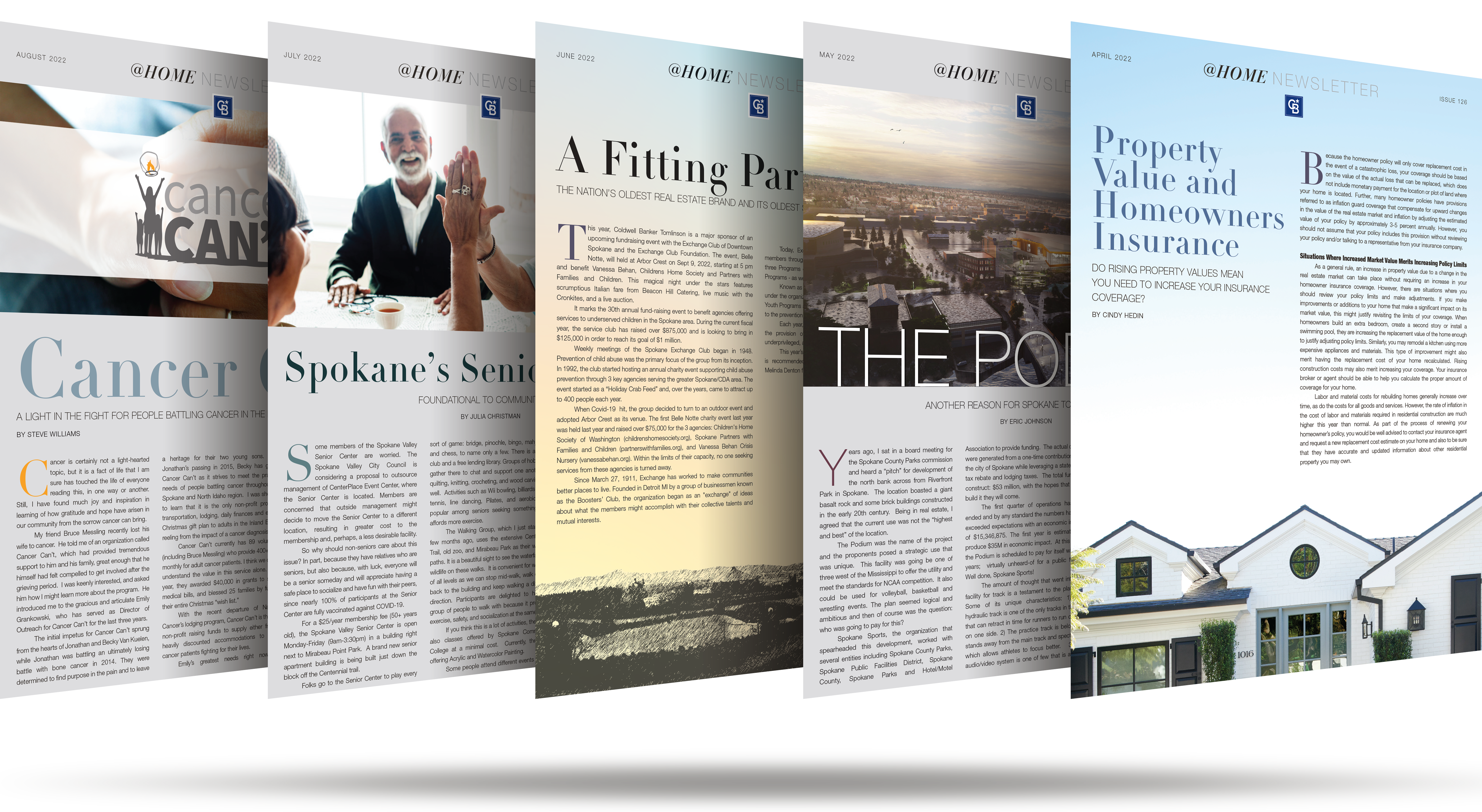
Making the @HOME Newsletter work for you.
The monthly newsletter is great direct mail opportunity to help you stay in contact with your sphere. Each month, you have the opportunity to "opt-in" to have the monthly publication mailed out on your behalf. You can also be setup to be automatically "opted-in" to the mailing each month, while also having the ability to "opt-out" at any time.
THE LAWTON NEWSLETTER PORTAL
A "newsletter portal" website has been developed by our publisher, Lawton Printing, which offers several features to help you tailor the publication to your specific needs:
- Upload and manage your own direct mailing list(s) on-demand.
- Create a mailing profile with your headshot and contact information that'll automatically be added into your specific mailing.
- Designate a quantity of “unaddressed” newsletters to have shipped to your office to have on-hand and utilize however you want.
- Personalize your mailings by submitting your own story to be featured ONLY in your personal newsletter mailings.
- Opt-in or opt-out of the monthly mailing at any time.
HOW THE NEWSLETTER GETS PUT TOGETHER EACH MONTH
Newsletter content is discussed on a weekly basis, and office managers take turns in assigning and collecting content for the monthly newsletter. The newsletter is then designed by the marketing team and sent out to be published in print.
If you choose to opt-in to the monthly mailing, you headshot and contact information will automatically be included on your personal mailing. All printing, labeling, sorting, folding and mailing processes are performed for you by our local print vendor, Lawton Printing.
DEADLINES
The opt-in/out deadline for the newsletter is the 15th of each month. Your mailing settings must be set in the portal by that date for the upcoming mailing.
PRICING
The per-copy cost is $1.00 per newsletter. The company will pay for your newsletters for the first three months after you sign up, up to 100 newsletters per month.
Getting setup in the Lawton Newsletter Portal
1. CREATE AND UPDATE YOUR PROFILE
Newly participating agents can create their own profiles by visiting www.cbtnewsletter.com or agents can contact their office ASE to create profiles on the agent’s behalf. Once your account is created, click on “My Profile” to edit your profile information. This is your basic contact information along with the picture used on the return portion of the newsletter.
2. UPDATE YOUR ORDERING OPTIONS
The mailing system is flexible and allows you to setup an automatic reorder each month or you can go in manually each month to opt-in for the current month’s newsletter. In the portal on the top navigation bar, there is a tab for “Newsletter Options” where you can adjust your order settings.
3. UPLOAD YOUR MAILING DATABASE
To upload your mailing database, click on “My Newsletter Addresses.” Your Excel file should have at least a first name, last name, address, city and state field. Additional fields can be uploaded, they will simply be ignored. A template Excel file is available to download on that screen with the correct mailing columns. Once you have selected and uploaded your list, you will be asked to map the fields on the newsletter system to your database using simple drop-down boxes. Individual clients can be added and removed from your client mailing list after it is uploaded.
4. PERSONALIZE YOUR NEWSLETTER
You also have the option to personalize the newsletter with a story submission of your own. To submit, you’ll need a photo, headline and story copy to submit in the portal.To personalize this information, on the top navigation bar, click on the tab for “Newsletter Options” and under the section for “Customize Newsletter Sidebar” select the custom option from the drop down. From there, you will have the ability to upload a photo, headline and text for your custom newsletter section.
For assistance on getting your profile and mailing settings setup in the portal, contact your office ASE.